Overview
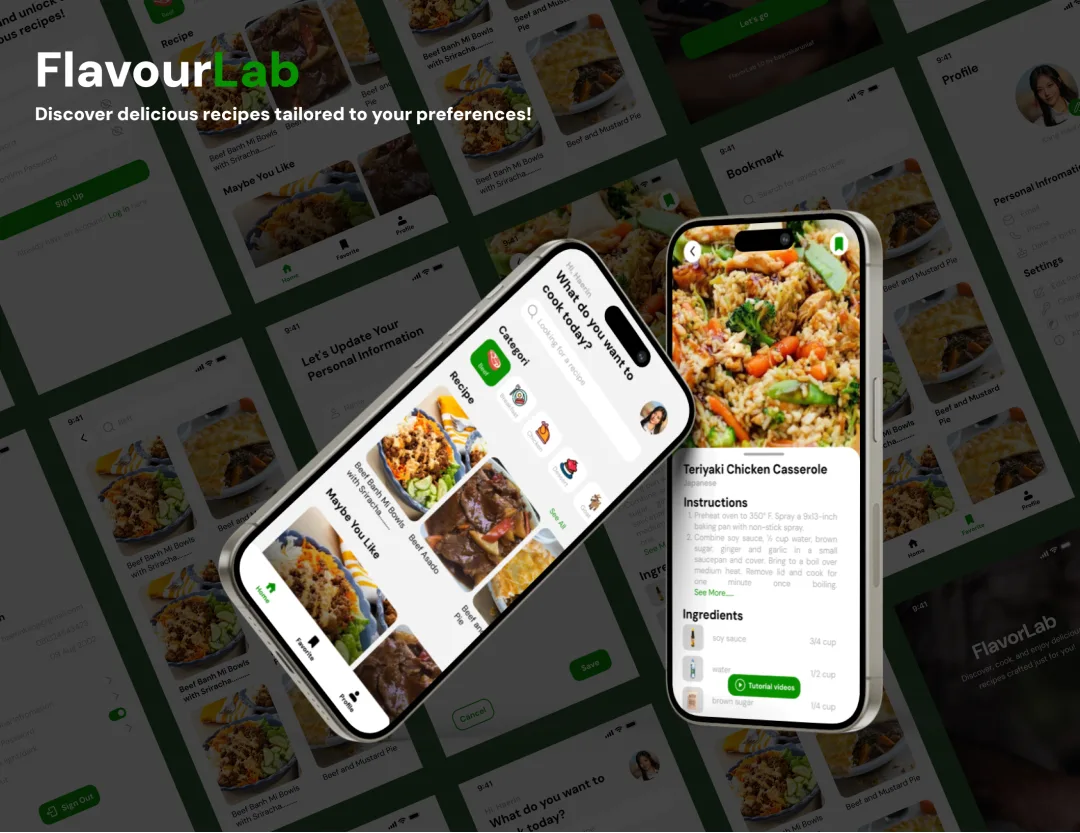
Flavour Lab is an app that offers recipes from cuisines around the world. Each recipe includes a video tutorial to guide you through the cooking process, making it easy to follow along. Users can also save their favorite recipes by adding them to their bookmarks for quick access anytime!
The problem
Creating to help users, especially those new to cooking, discover a variety of recipes from around the world. With beginner-friendly features, it provides step-by-step instructions, clear ingredient lists, and cooking tips to build confidence in the kitchen. Each recipe includes a video tutorial, making it easy to follow along and learn techniques visually. Users can save their favorite recipes to bookmarks for quick access and explore categories based on meal type, dietary preference, or available ingredients. Whether you're preparing a quick meal or experimenting with new flavors, this app is your go-to guide for cooking with ease and creativity.
What I did
- Creating the App UI
- Searching for Recipe APIs
- Integration with Firebase
- Building the Application
Key features
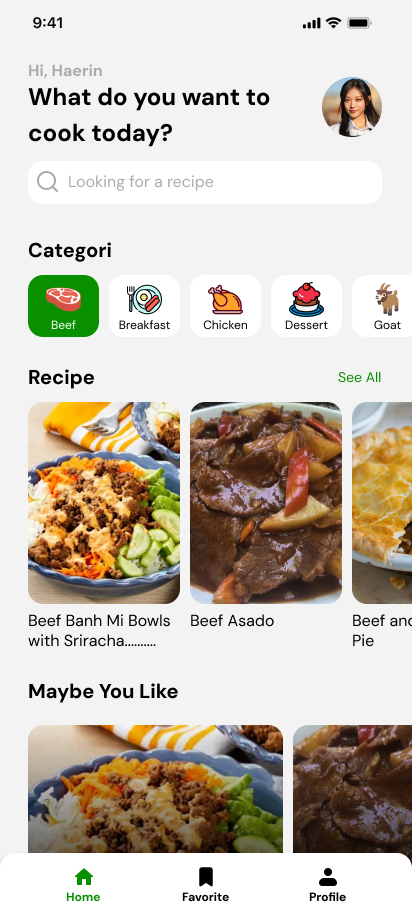
Todays recomendation
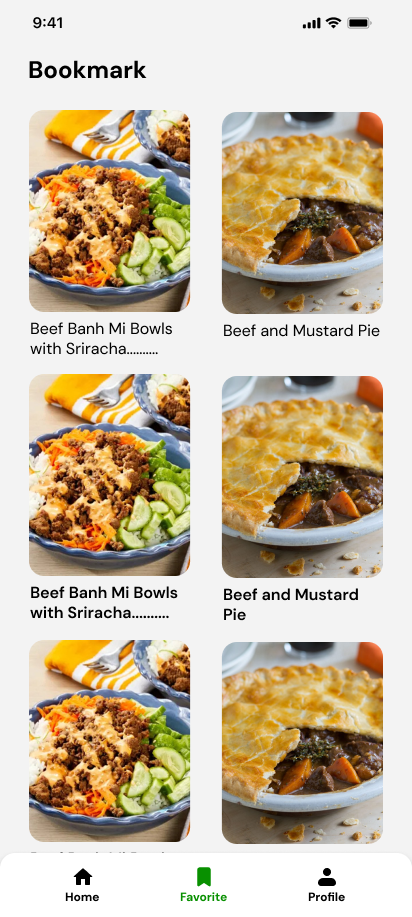
Bookmark
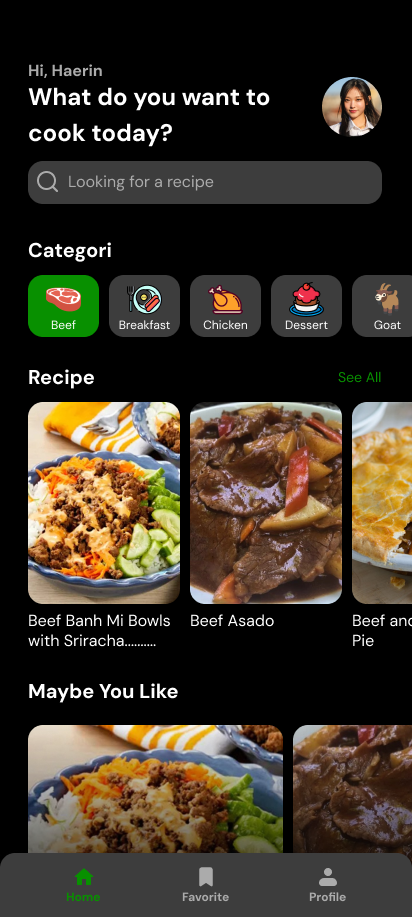
Dark mode
How it works
Flavour Lab is a mobile recipe application designed to make discovering and exploring culinary ideas easier and more enjoyable.
Users can explore a variety of recipes, browse meal inspirations, view detailed cooking instructions, and discover new dishes. The application provides an intuitive interface that helps users navigate recipes and enjoy a seamless cooking experience.
Built with Flutter, the application supports both Android and iOS platforms, with RESTful API integration for data communication and GetX for efficient state management.
Users can explore a variety of recipes, browse meal inspirations, view detailed cooking instructions, and discover new dishes. The application provides an intuitive interface that helps users navigate recipes and enjoy a seamless cooking experience.
Built with Flutter, the application supports both Android and iOS platforms, with RESTful API integration for data communication and GetX for efficient state management.
Documentation
Challenges & lessons
One of the main challenges was building a consistent and responsive user interface across different screen sizes and platforms.
Integrating RESTful APIs and managing asynchronous data required careful handling of application states to ensure a smooth user experience.
Through this project, I strengthened my understanding of Flutter architecture, GetX state management, API integration, and cross-platform mobile development.
This experience also reinforced the importance of writing maintainable code, organizing project structures, and building applications with scalability in mind.
Integrating RESTful APIs and managing asynchronous data required careful handling of application states to ensure a smooth user experience.
Through this project, I strengthened my understanding of Flutter architecture, GetX state management, API integration, and cross-platform mobile development.
This experience also reinforced the importance of writing maintainable code, organizing project structures, and building applications with scalability in mind.